
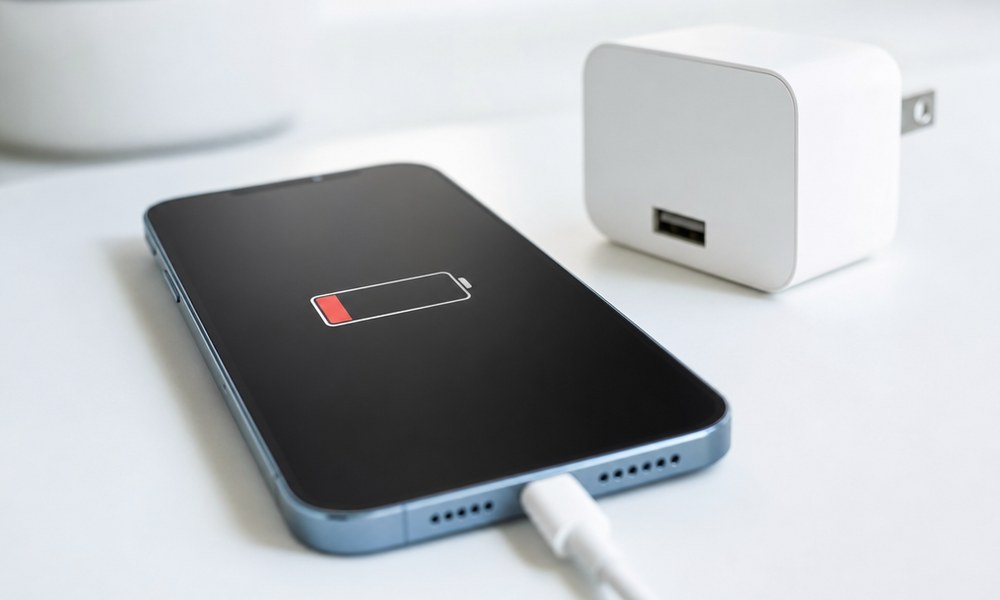
„Why is my phone charging so slow?“ is the question I get most under my videos. And almost always followed by: „Is the battery dead?“ No, almost never. I’ve spent years measuring what happens between the wall outlet and the phone with a power meter, and the result is always the same: there are four bottlenecks, and the phone isn’t one of them. Here they are, in the order you should check them – iPhone, Samsung, Pixel or Xiaomi, doesn’t matter.
The short version: let it check in two minutes
My Charge Check detects your phone, reads your charger’s label from a photo and tells you which of the four bottlenecks is yours. If everything looks right on paper, a 15-minute test shows live whether the cable is the problem. Free, no app.
Bottleneck 1: USB-A, the wide plug
Before you check anything else, look at the port your cable is plugged into. If it’s wide and rectangular, it’s USB-A. No current phone can fast-charge over it, because the negotiation between phone and charger only works over USB-C. An iPhone stays at about 12 watts on USB-A, a Samsung at 15 to 18. And that’s true no matter whether the charger says 45 watts. USB-A hides in the old charger, the power strip with USB, the car, the power bank with the wide port. If you take one thing from this post: USB-C on both ends of the cable, USB-C port on the charger.
Bottleneck 2: Not enough watts
Every phone has a ceiling set inside the phone: iPhone 15 and 16 around 20 to 30 watts, iPhone 17 up to 40, Galaxy S25 Ultra 45, S26 Ultra 60, a regular Galaxy or Pixel 25 to 30. If the charger delivers less, the phone charges slower. The wattage is on the label, often tiny as „20W Max“ or as an output line. More watts than the phone takes doesn’t help, but less costs time immediately. The 5-watt cube from ten years ago is the classic.
Bottleneck 3: The wrong charging protocol
This is the one nobody knows about. Samsung and Google only reach full speed with PPS, an extension of USB Power Delivery. A 45-watt charger without PPS charges a Galaxy S24 Ultra at 15 watts instead of 45. And many PPS chargers only do it at 3 amps instead of 5, which caps Galaxy models up to the S24 generation at 27 watts. The details are in my post on the Samsung 45W charger. Xiaomi and OnePlus use proprietary protocols only the original charger speaks. iPhones don’t need PPS – but since the iPhone 17 they need a PD 3.2 charger for the full 40 watts.
Whether your charger supports PPS is in the fine print: either the word „PPS“ or a voltage range with a dash, like „3.3–11V⎓3A“. That’s exactly the line Charge Check reads from your photo.
Bottleneck 4: Cable and charging port
A regular USB-C cable handles 60 watts – enough for every phone except the 45-watt Samsungs up to the S24 generation, which need a 5-amp cable. What slows things down anyway: damaged cables, cheap cables without the required resistor in the plug, and on older iPhones Lightning cables without MFi certification. And even more common than all of that: lint in the charging port. The plug no longer seats fully, the contact gets poor, the phone charges slowly or intermittently. Flashlight, look inside, carefully pick it out with a wooden toothpick. That fixes more cases than you’d think.
The right order
Most people start with the charger and buy a new one. That’s backwards. The order that saves time and money:
- Port: Is there USB-A anywhere in the chain? Then that’s it, done.
- Charger: Check wattage and protocol on the label against what your phone can take.
- Cable: Try a different one, ideally one you know is good.
- Port on the phone: Look inside, clean it.
That’s exactly the order my Charge Check walks you through. It knows what your phone can take at most, you photograph the charger, and the page tells you whether port, watts or protocol are the problem. If everything fits on paper, only the cable is left – and that’s what the test is for: enter your battery level, wait 15 minutes, compare. From battery size, charging power and the phone’s charging curve, the page predicts where you should be. If you’re well below that, it’s the cable or the port.
The combo that never holds you back
If you want to close the topic for good: one charger that speaks every protocol, plus a 5-amp cable. The UGREEN Nexode Pro 100W* does PD 3.2 with AVS for the iPhone 17, PPS at 5 amps for any Samsung, and 100 watts for a laptop. Add a UGREEN 240W USB-C cable* for about ten dollars or the Anker 240W cable 2-pack*. Every phone you buy in the next few years will charge at its maximum.
And if it really is the battery?
Only once all four bottlenecks are ruled out is it worth looking at the battery. On the iPhone, capacity is in Settings under Battery; on Samsung, in the diagnostics of the Members app. Below 80% the battery accepts less power and lasts less. But a battery replacement costs $100 and up, a cable ten. Hence the order. And if you keep your phone long enough for the battery to fade, protect the outside too: my comparison of which iPhone 17 Pro case actually protects shows what survives a drop, and my iPhone 17 Pro screen protector review shows which glass survives a corner hit.
The full technology behind all this, with measurements and no shortcuts, is in Fast Charging Explained: PD, PPS, AVS – Why USB-A Kills It All.