
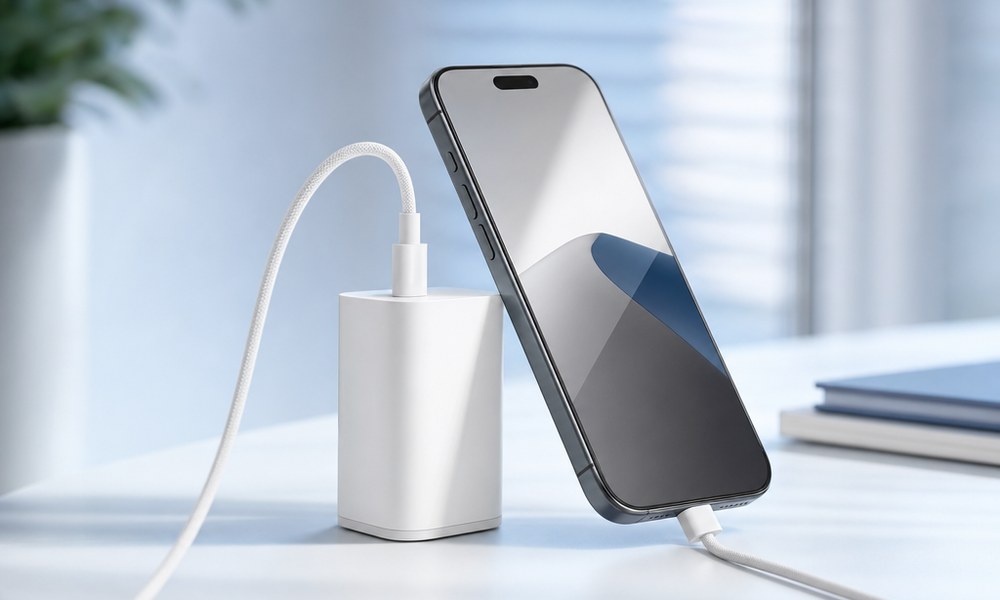
Charging changed more with the iPhone 17 than in the five years before it. For the first time an iPhone takes up to 40 watts, and Apple promises 50% in 20 minutes. The catch: your old 20W brick can’t do any of that. And there’s no charger in the box. Here’s which one you need, which ones you can skip, and how to tell whether the charger you already own is enough.
What the iPhone 17 actually draws
The 40 watts apply to the iPhone 17, iPhone 17 Pro and iPhone 17 Pro Max. The iPhone Air gets to 50% in 30 minutes, the iPhone 17e stays at the classic 20 watts. In measurements, a 17 Pro Max briefly touches just under 40 watts with a cold, empty battery and then settles around 36. From about 50% the iPhone throttles itself, from 80% noticeably. So the high power matters mostly for the first half hour – exactly when you need it.
Two things are new and important. The iPhone 17 uses AVS (Adjustable Voltage Supply), part of the USB PD 3.2 standard. It’s Apple’s answer to Samsung’s PPS: the charger delivers voltage in fine steps and the heat moves from the phone into the charger. You only get the full 40-watt ramp from a charger that supports PD 3.2. And: you don’t need PPS. If a charger says PPS, it doesn’t hurt – it just does nothing for the iPhone.
Is the charger you already own enough for the iPhone 17?
My Charge Check reads your charger’s label from a photo and tells you in two minutes whether your iPhone 17 gets the full 40 watts from it – or where it’s stuck. Free, no app, right in your browser.
The three chargers that make sense
1. Apple 40W Dynamic Power Adapter – the original
Apple’s own charger is built for the iPhone 17: 40 watts sustained, up to 60 watts dynamically for short bursts, PD 3.2 with AVS. It delivers the promised 50% in 20 minutes, no asterisk. Small enough for a pocket, and it charges a MacBook Air on the side. If you don’t want to think about it, get this one. Around $39 list, often less on Amazon.
See the Apple 40W Dynamic Power Adapter on Amazon*
2. Anker Nano 45W with Smart Display – the clever alternative
Same power class, cheaper, and with a small display that shows you live how many watts your iPhone is pulling right now. That’s not a gimmick: you see immediately whether the cable is holding back or the phone is throttling. I measured the Anker Smart Nano head-to-head against Apple’s charger – how they compare on temperature and charging curve is in my Anker Smart Nano vs. Apple charger test.
See the Anker Nano 45W with Smart Display on Amazon*
3. UGREEN Nexode Pro 100W – if one charger should do it all
Five ports, 100 watts, PD 3.2 with AVS for the iPhone 17, PPS at 5 amps for any Samsung, and enough for a MacBook Pro. One desk charger that charges everything in the household. Too big for a jeans pocket, but for the desk or a trip with a laptop it’s the end of the charger collection. Around $60.
See the UGREEN Nexode Pro 100W on Amazon*
What you can skip
- The old 20W brick from the iPhone 12 through 16 works, but delivers 20 watts. Instead of 50% in 20 minutes you’re looking at 30 to 35. Not a disaster, but half the progress thrown away.
- Anything with a USB-A port, whatever wattage it claims. The wide old plug has no Power Delivery, so the iPhone stays at about 12 watts. This is the most common mistake there is.
- Anything above 45 watts just for the iPhone. More watts don’t make it faster – the iPhone caps at 40. A 65 or 100W charger only pays off if you also charge a laptop or tablet with it.
- Expensive cables. The USB-C cable in the box handles 60 watts, and so does any decent 3-amp cable. A 240W cable does nothing for the iPhone.
The cable: simpler than with Samsung
With the iPhone 17, a USB-C cable can’t be too weak. A regular 3-amp cable carries up to 60 watts and the iPhone never takes more than 40. If less arrives despite a matching charger, the cable is damaged or out of spec, or there’s lint in the charging port. If you need a spare: the Apple 60W USB-C Woven Charge Cable* or, cheaper, the Anker USB-C to USB-C Cable 60W, 2-pack*.
Fast charging and the battery
The worry that 40 watts will wreck the battery is unfounded. The iPhone throttles itself as soon as the battery warms up or fills up. What really hurts the battery is a full night at 100% on the charger – Optimized Battery Charging in Settings takes care of that. If you want to keep your new iPhone for years, the outside deserves at least as much attention: one drop costs more than any battery wear. Which case actually protects is in my test of the five best iPhone 17 Pro cases right now, and for the display I’ve reviewed the three best iPhone 17 Pro screen protectors.
In short
For the iPhone 17 you need a USB-C charger with at least 40 watts and PD 3.2 – no PPS, no special cable. Apple’s original or the Anker Nano 45W does the job. Anything bigger only makes sense if a laptop or tablet charges alongside. And if you want to know whether your current charger is enough without squinting at the fine print: the Charge Check reads it for you. If you want to go deeper, the technology behind all of this is in my post Fast Charging Explained: PD, PPS, AVS.